StickerUse this prompt
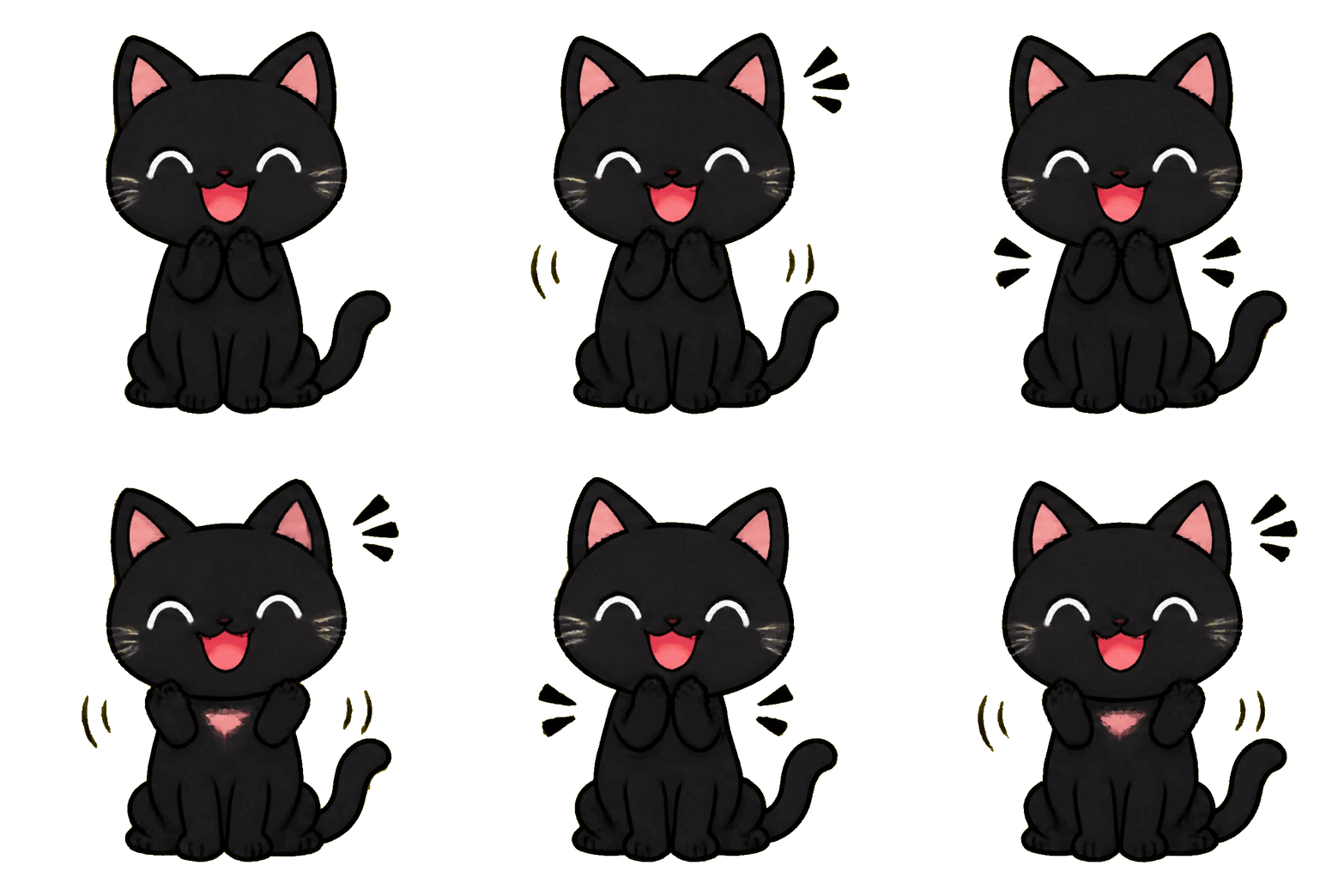
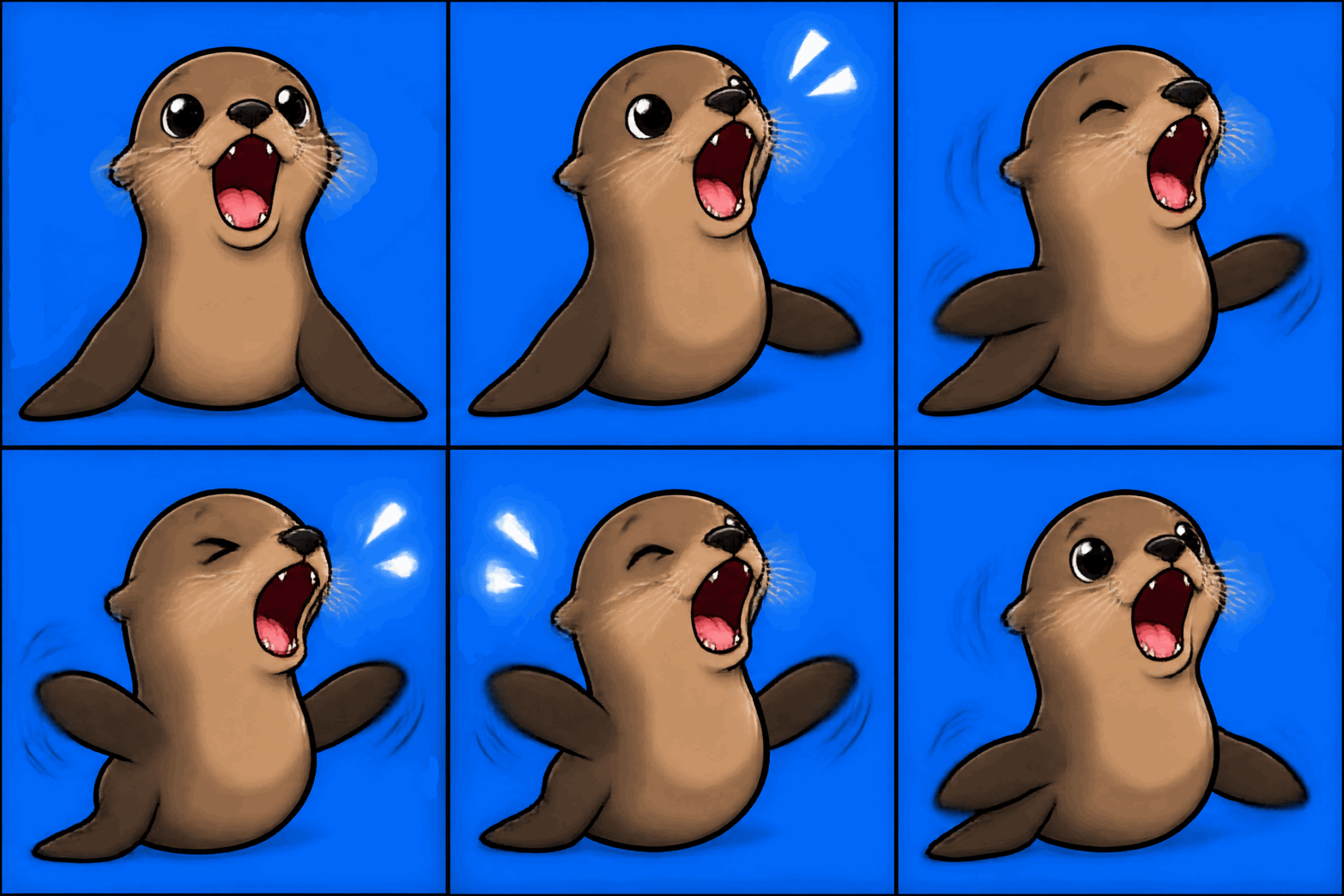
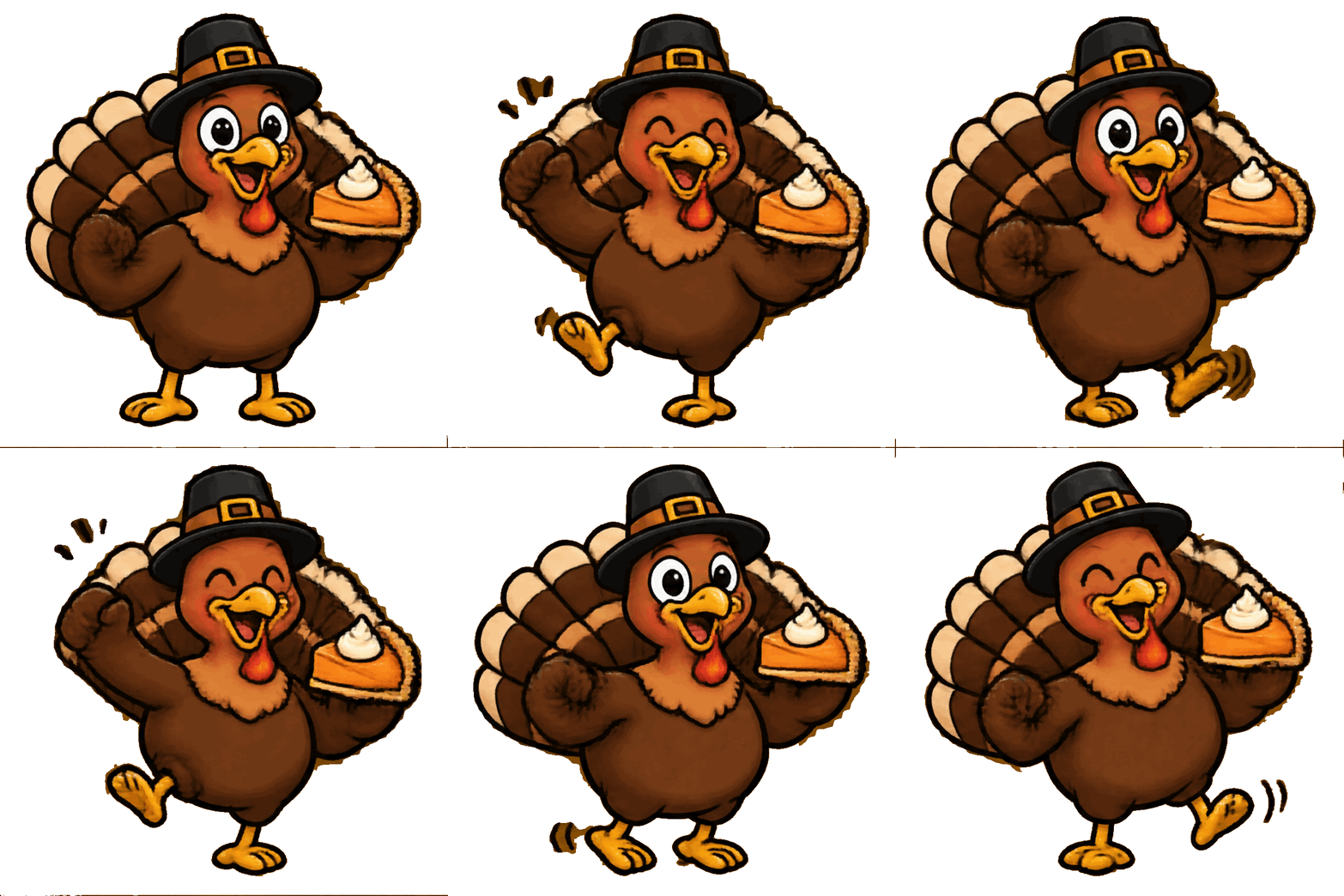
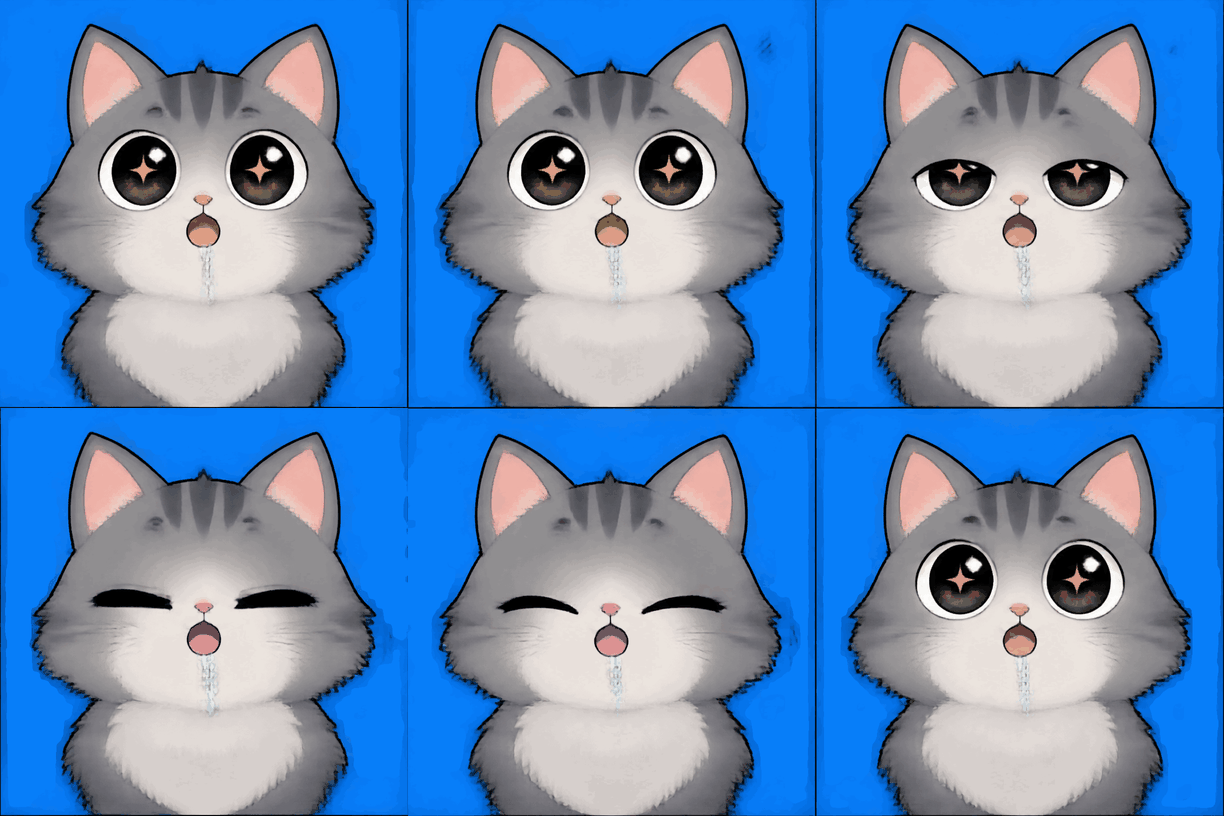
Describe the emoji your server needs. Huatua returns a looping GIF with a centered subject that stays readable at small sizes.
Huatua is a Discord emoji maker that turns a short description into an animated GIF for Discord emoji, stickers and server banners. It is built for people who need something that moves — Discord and Slack regulars, meme makers and social media managers — without opening an editor or learning a prompt language.
Pick the Sticker style and describe one subject with one motion — “a pixel cat typing furiously”, “a frog holding a GG sign and bouncing”. Generate, preview the loop, and download the GIF.
In your server settings, open Emoji, upload the file and name it. Animated emoji in servers and Nitro rules are set by Discord, so check what your server can use. The same GIF also works as a reaction in chat.
Emoji are tiny, so keep the drawing simple and bold. Stickers are larger and can carry more detail. For the image at the top of a server or profile, switch to the Banner style, which composes the loop horizontally inside the square frame with room for a word or two.
Discord sets its own file-size and dimension limits for each of these; ready-made Discord export sizes are planned for a later version, so for now resize the GIF if Discord asks for a smaller file.
Yes. Three GIFs need no account at all, and signing up gives ten more for seven days. Free loops are 816 × 816; credit packs unlock 816 × 816 Standard and HD.