StickerUse this prompt
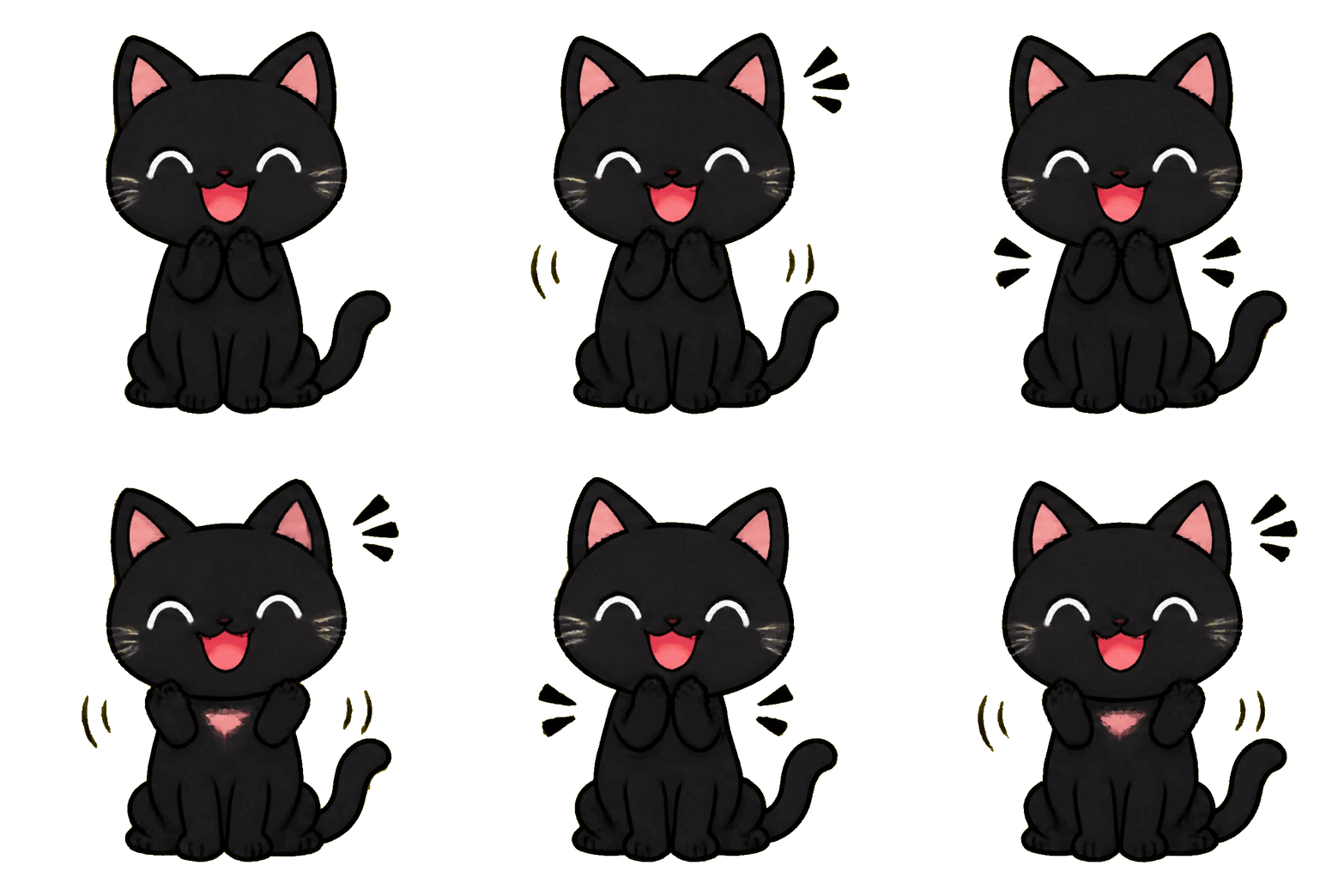
Type the reaction your team keeps reaching for. The Sticker style keeps the subject centered so it still reads at emoji size.
Huatua is a Slack emoji maker that turns a one-line prompt into an animated GIF you can upload as a custom Slack emoji. It is built for people who need something that moves — Discord and Slack regulars, meme makers and social media managers — without opening an editor or learning a prompt language.
Write the reaction as a tiny scene: “a party parrot spinning”, “a rubber duck nodding”, “a thumbs-up made of confetti”. One subject and one big, simple motion work best, because Slack shows custom emoji very small next to a message.
Generate with the Sticker style, check the loop, then download the GIF. In Slack, open the emoji picker, choose Add Emoji, upload the file and give it a short name like :ship-it:.
Slack asks for small, square images with a file-size limit for custom emoji; check Slack's help pages for the current numbers. Huatua's free Quick tier gives you a 816 × 816 GIF, which you may need to shrink before uploading. A one-click Slack export at emoji size is planned but not available yet — until then, any image resizer will do, and the loop keeps working after resizing.
Your first three GIFs are free without an account, and signing up adds ten more for seven days. After that, one-time credit packs start at $0.99; there is no subscription, and a failed generation gives its credit back.